Updated 17 January 2026
Create a QR Code Menu for Your Restaurant: A Simple Step-by-Step Guide
Learn how to create a QR code menu for your restaurant with QRFasty. Build an online menu, generate your QR code, and offer customers fast access without an app.
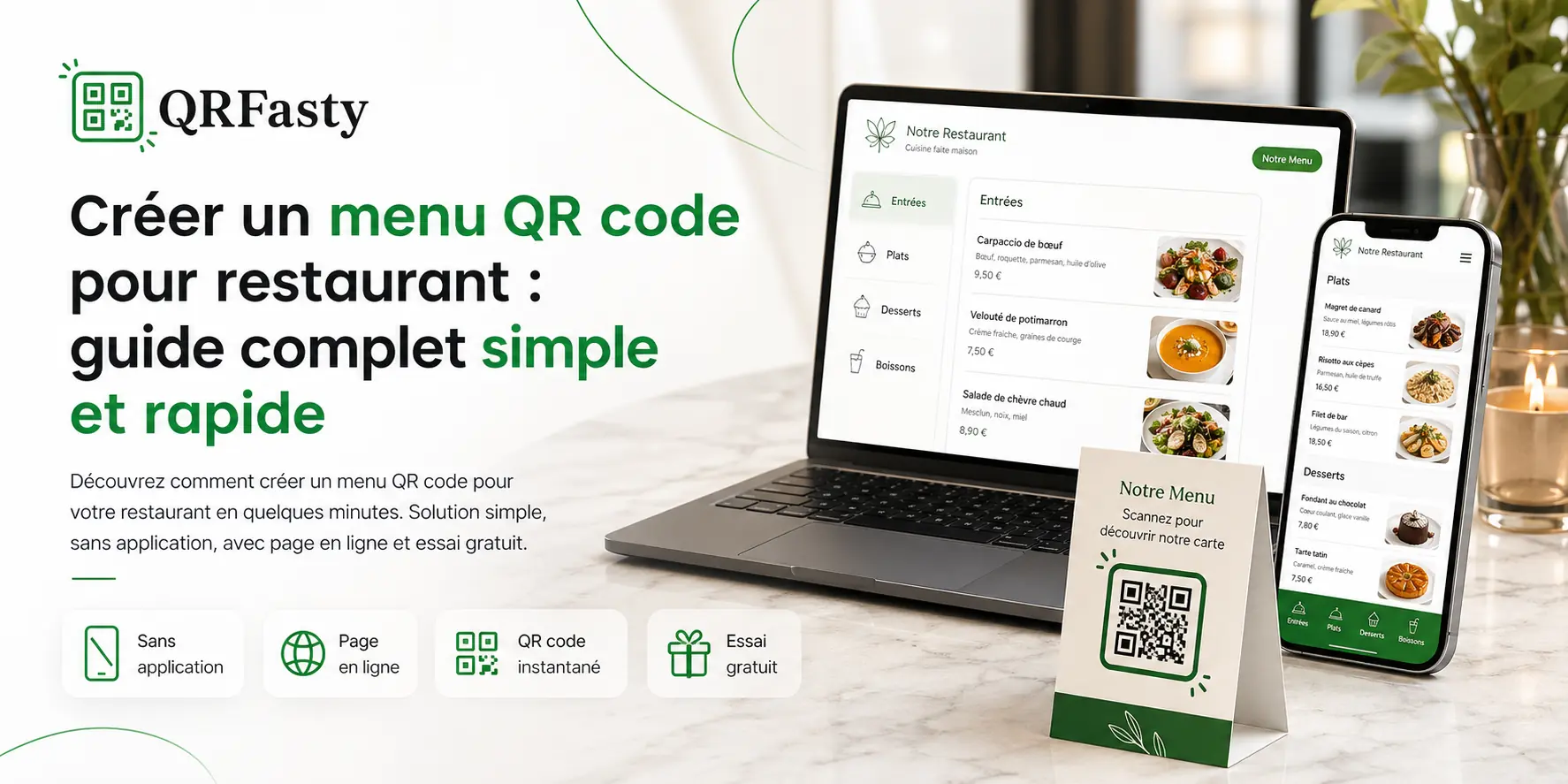
Why create a QR code menu for your restaurant?
A QR code menu has become an essential tool for restaurants, cafés, and modern establishments. It replaces the traditional paper menu with an online menu that customers can access in seconds with a simple scan.
With a digital menu, you offer a faster, cleaner, and always up-to-date experience.
The benefits of a digital menu
Creating a QR code menu offers several practical advantages:
- instant updates for prices and menu items;
- no need to reprint menus;
- quick access without an app;
- a modern experience for customers;
- compatibility with all smartphones.
A single QR code is enough to give customers access to your full menu.
How to create a QR code menu easily
Creating a QR code menu is simpler than you might think. With a solution like QRFasty, you can build your digital menu in just a few steps.
Step 1: create your account
Start by creating your account on the platform:
👉 Create an account
Once registered, you will have access to your dashboard.
Step 2: add your establishment
Add the key details of your restaurant:
- name;
- description;
- images;
- menu categories.
This helps you create a professional public page for your establishment.
Step 3: build your online menu
Add your menu items with:
- name;
- price;
- description;
- image, if needed.
Your menu becomes available online as soon as it is published.
Step 4: generate your QR code
Once your menu is ready, you get:
- a unique link with a custom slug;
- a QR code ready to print.
Your customers only need to scan the code to view your menu.
App-free and accessible everywhere
One of the biggest advantages of a QR code menu is that customers do not need to install anything.
They scan the code, and the menu opens directly in their browser.
This provides:
- maximum accessibility;
- zero friction;
- a better user experience.
Best practices for an effective QR code menu
To make your digital menu more effective:
- use clear and concise titles;
- add high-quality images;
- organize your categories, such as Starters, Main Dishes, and Desserts;
- keep your menu updated regularly.
A well-structured menu can improve customer decisions and strengthen the image of your establishment.
QR code menu vs paper menu: what is the difference?
Paper menus can create several problems:
- they wear out quickly;
- they are costly to reprint;
- they are difficult to update.
A QR code menu, on the other hand, is:
- flexible;
- cost-effective;
- modern;
- more sustainable.
It is now a recommended solution for restaurants that want a more practical and professional way to present their menu.
Try your QR code menu for free
Want to test it for yourself?
QRFasty lets you create your QR code menu and try it for free, with no commitment.
Conclusion
Creating a QR code menu is an important step toward modernizing your restaurant.
In just a few minutes, you can offer a professional digital menu that is easy to access, simple to manage, and always up to date.
Start using a digital menu today and improve your customers’ experience.