Updated 25 October 2025
QR Code Menu vs Paper Menu: Which Option Is Better for Your Business?
Compare QR code menus and paper menus to understand the benefits, limits, costs, and customer experience impact of each solution.
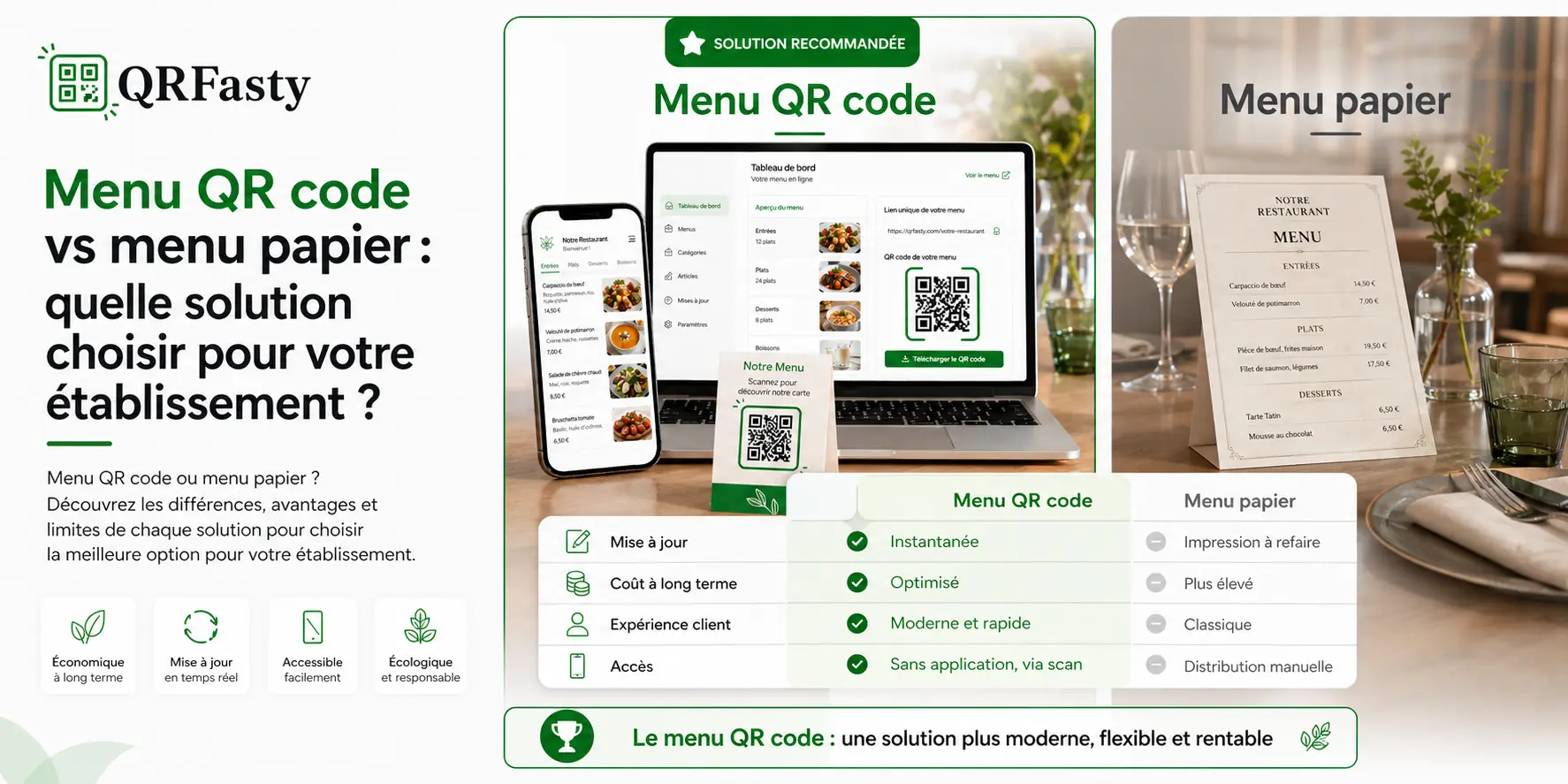
QR code menu or paper menu: a strategic decision
Choosing between a QR code menu and a paper menu is not only about appearance. It affects daily management, brand perception, and the overall customer experience.
Today, more businesses are moving toward digital tools to simplify operations and provide a smoother service experience.
But does that mean the paper menu should disappear completely?
The limits of paper menus
The paper menu remains a familiar option, but it comes with several practical limitations.
Updates take time
Changing a price or adding a new item often means:
- reprinting menus;
- redistributing them in the dining area;
- sometimes redesigning the layout.
This takes time and creates additional costs.
Paper menus wear out quickly
Paper menus can:
- get damaged over time;
- become dirty;
- lose readability.
This can affect the overall image of your business.
Limited flexibility
With a paper format, it is difficult to:
- promote temporary offers;
- update the menu quickly;
- test new items.
Every change becomes a heavier process than it needs to be.
The advantages of a QR code menu
A QR code menu offers a modern and practical answer to these challenges.
Instant updates
You can update your menu at any time from your management space:
- adjust prices;
- add or remove items;
- hide unavailable products.
Customers always access the latest version.
Lower printing costs
Once your QR code is created, you no longer need to print new menus every time something changes.
This makes it a more cost-effective solution over time.
A better customer experience
Customers can:
- scan the QR code;
- open the menu instantly;
- browse categories easily.
The experience is quick, simple, and intuitive.
Direct comparison: QR code menu vs paper menu
Accessibility
- Paper menu: requires a physical menu to be available.
- QR code menu: accessible instantly from a smartphone.
Updates
- Paper menu: slow and costly to update.
- QR code menu: updated immediately.
Brand image
- Paper menu: traditional and familiar.
- QR code menu: modern and innovative.
Cost
- Paper menu: regular printing expenses.
- QR code menu: initial setup with simplified ongoing management.
Flexibility
- Paper menu: limited.
- QR code menu: highly flexible.
Does a QR code menu fully replace paper?
Not necessarily. Some businesses choose a hybrid approach.
For example:
- QR code access for most customers;
- paper menus available on request.
This allows you to serve different customer preferences while modernizing the overall experience.
Why are businesses switching to digital menus?
The move toward digital menus reflects how customer behavior has changed.
Customers already use their smartphones to:
- find information;
- place orders;
- interact with services.
A QR code menu fits naturally into these habits.
More than a simple menu
With a platform like QRFasty, a QR code menu becomes a professional public page.
You can include:
- your menu;
- your contact details;
- your address;
- your social media links;
- your services, such as delivery or reservations.
Your menu becomes a complete communication tool, not just a list of items.
When should you keep a paper menu?
A paper menu can still be useful in certain situations:
- premium establishments with a specific service experience;
- customers who are less comfortable with digital tools;
- temporary events.
In many cases, however, it works best as a complement to the QR code menu.
When should you adopt a QR code menu?
A QR code menu is especially useful if you want to:
- simplify daily management;
- reduce costs;
- modernize your brand image;
- improve the customer experience.
It has become a practical standard for many modern businesses.
Move to a digital menu with QRFasty
You can create your online menu and generate your QR code in just a few minutes.
👉 Create an account
👉 View pricing
You can also visit the tutorial to see each step before getting started.
Conclusion
The paper menu remains a familiar option, but it has clear limitations. A QR code menu offers more flexibility, easier management, and a more modern customer experience.
The right choice depends on your positioning, your customers, and the way you want to manage your business.
For many establishments, digital menus are becoming a reliable and practical standard.